Overview
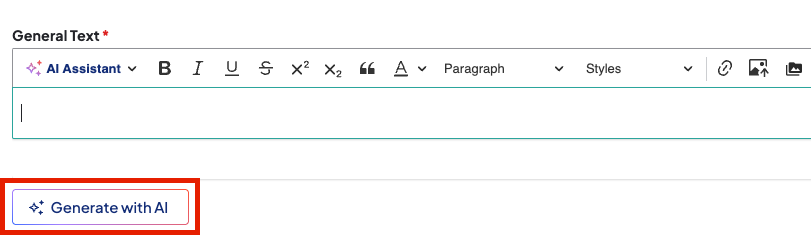
The AI Content Generator is an inline tool in rich-text editors used to draft and refine content with natural language prompts. It references your site's existing content to ensure accuracy, brand consistency, and accessibility. The tool is currently available on the "Body" field for Post, Services, and Standard Layouts, and the "General Text" field in the Text component.
How to generate content
- Click Generate with AI below a supported text field. A Generate with AI window will appear.
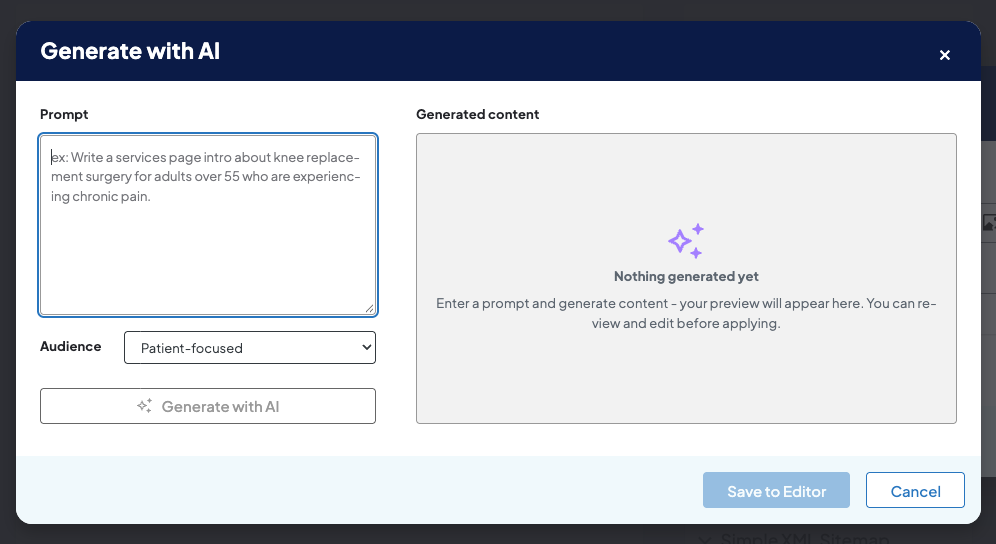
- Select your Audience.
- Click Generate with AI. The AI tool will generate content based on your settings under Generated content.
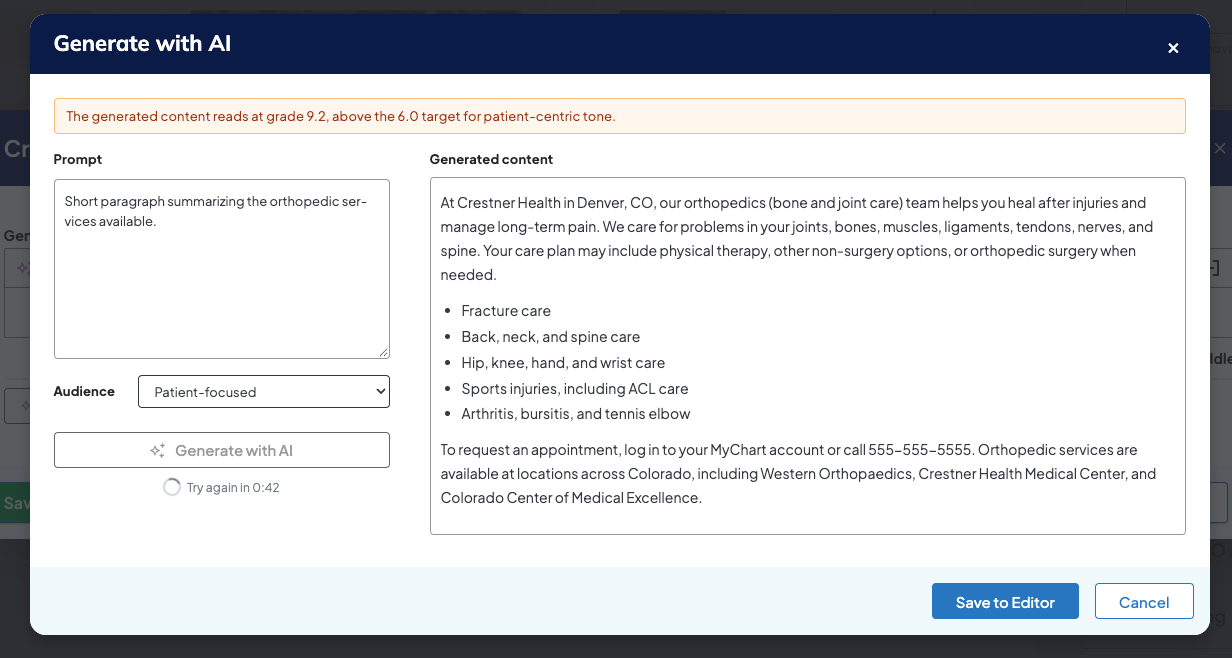
- Click Save to Editor.
- Click Save on the page.
Related Help Content
 DXE: Configuration
Reference: Source Sync Report
OverviewThe Source Sync Report is a useful audit trail for sites that sync content data (such as provider...
Release notes: October 8, 2026
In this release: AI content generator | FixesAI content generator: draft content right inside the content...
DXE: Adding content
How-to: Use CDN Asset Injector
OverviewThe CDN (“Content Delivery Network”) Asset Injector lets you connect CSS or JavaScript assets...
DXE
How-to: Use Link checker
OverviewWhen set up, Link checker automatically scans your site on a regular schedule for broken links an...
DXE: Configuration
Ignite U LIVE Webinar - September 16, 2026
Please view our September 16, 2026 Ignite Education Ignite U LIVE discussion with:Marsha Gelber; Associat...
DXE: Organizing content
Configuring a basic menu
Note: Menus can be placed on your site using either a basic menu block or custom menu block. The followi...