Overview
The AI Content Generator is an inline tool in rich-text editors used to draft and refine content with natural language prompts. It references your site's existing content to ensure accuracy, brand consistency, and accessibility. The tool is currently available on the "Body" field for Post, Services, and Standard Layouts, and the "General Text" field in the Text component.
How to generate content
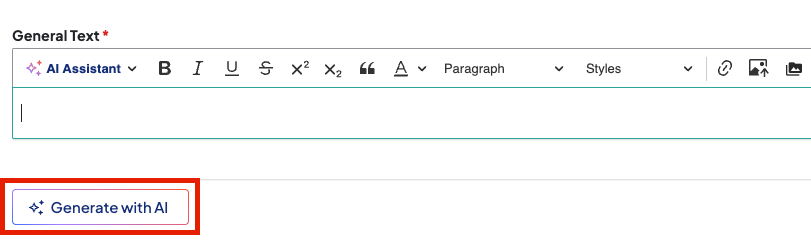
- Click Generate with AI below a supported text field. A Generate with AI window will appear.
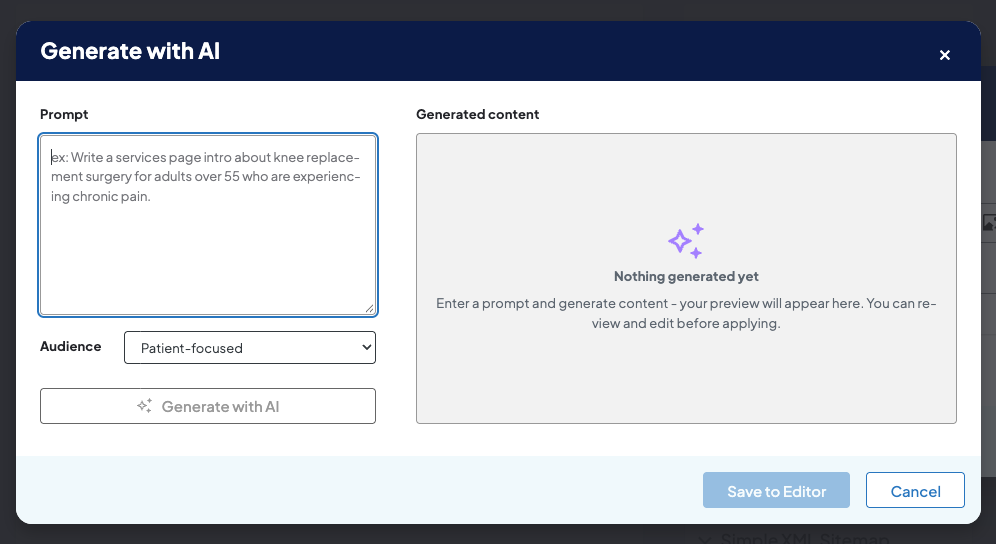
- Select your Audience.
- Click Generate with AI. The AI tool will generate content based on your settings under Generated content.
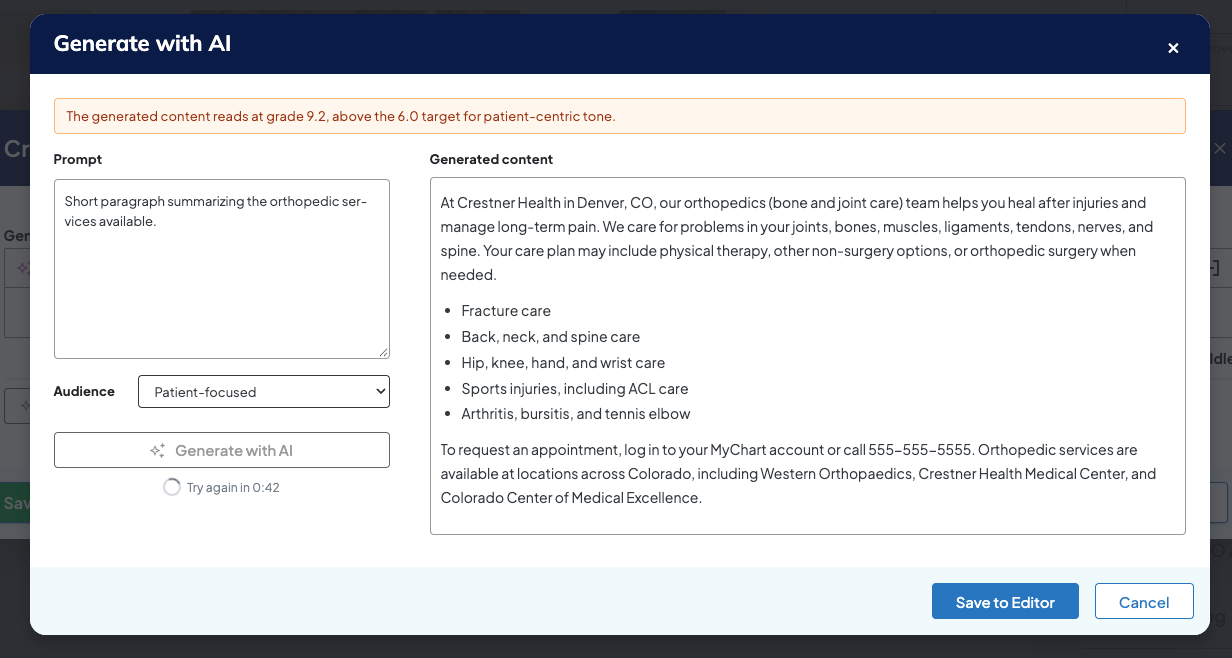
- Click Save to Editor.
- Click Save on the page.
Related Help Content
 DXE: Adding content
Widgets
wistia-player[media-id='78v3rx2n3w']:not(:defined) { background: center / contain no-repeat url('https://...
DXE: Adding content
Headline and Media Marquee component
OverviewA Headline and Media Marquee is a component that can be placed in an Enhanced Layout page. It can...
DXE: Adding content
Reference: Site alerts
OverviewSite alerts appear at the very top of your Digital Experience Engine (DXE) site on all pages wher...
Release notes: September 24, 2026
In this release: Taxonomy Usage Report | Bulk Bio Generator | AI Alt Text | Accessibility | FixesMaster y...
DXE: Adding content
Embedded content
The Embeddable content button in the Body editor allows you to easily add more advanced/interactive conte...
DXE: Adding content
Search bar
SummaryThe search bar component is a compact search bar that you can place anywhere in a page layout. Thi...